


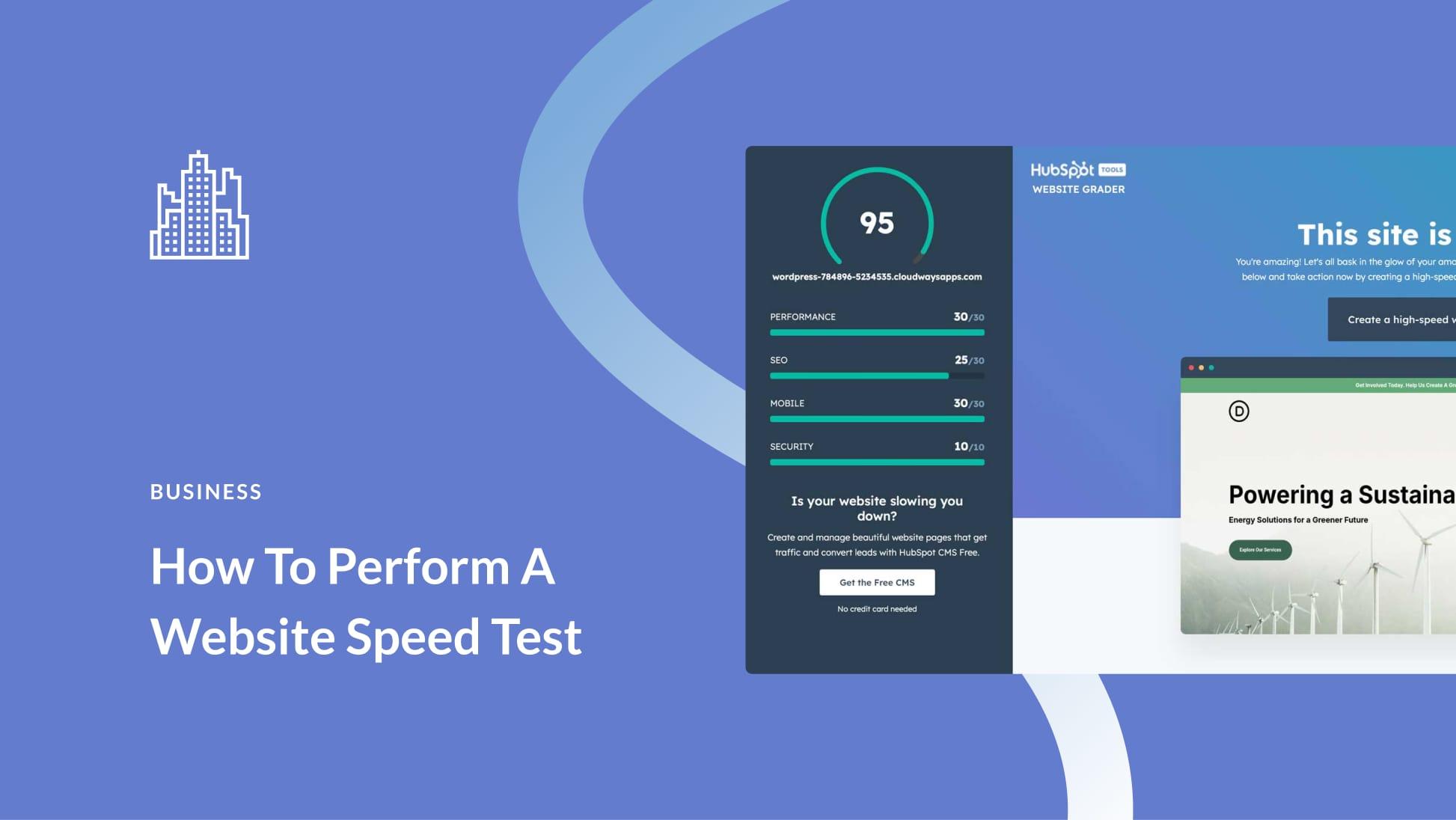
In today’s fast-paced digital world, website speed is no longer optional—it’s essential. Whether you run a business website, blog, eCommerce store, or portfolio, visitors expect pages to load quickly. If your site is slow, users may leave before they even see your content. That’s why it’s important to Test your website speed online and understand how well your site performs.
This article explains why website speed matters, how to test it online for free, and what you can do to improve your site’s performance.
Why Website Speed Matters
Website speed directly affects user experience, search engine rankings, and conversions. Studies show that users expect a webpage to load in under three seconds. If it takes longer, bounce rates increase significantly.
Here are a few key reasons speed is critical:
Better user experience: Fast websites feel more professional and trustworthy.
Higher search rankings: Search engines like Google use page speed as a ranking factor.
Increased conversions: Faster load times lead to higher sales, sign-ups, and engagement.
Mobile performance: With most users browsing on mobile devices, speed optimization is crucial.
If your website feels slow, testing its speed online is the first step toward improvement.
What Does Website Speed Testing Measure?
When you test your website speed online, tools analyze several performance metrics, including:
Page load time: How long it takes for the entire page to load.
Time to First Byte (TTFB): How quickly the server responds.
Largest Contentful Paint (LCP): When the main content becomes visible.
First Input Delay (FID): How fast the site reacts to user interaction.
Core Web Vitals: Google’s key performance indicators for user experience.
These metrics help identify what’s slowing down your website.
Free Tools to Test Your Website Speed Online
There are many free and reliable tools available to test website speed instantly. Some popular options include:
Google PageSpeed Insights: Provides performance scores for mobile and desktop along with improvement suggestions.
GTmetrix: Offers detailed reports on load time, page size, and performance issues.
Pingdom Website Speed Test: Simple and beginner-friendly with clear performance grades.
WebPageTest: Advanced testing with location, browser, and connection speed options.
All you need to do is enter your website URL, click test, and review the results.
How to Test Your Website Speed Step by Step
Testing your website speed online is easy and takes only a few minutes:
Choose a free website speed testing tool.
Enter your website URL.
Select device type or test location (optional).
Run the test.
Review the performance report and recommendations.
For best results, test your site multiple times and from different locations or devices.
Common Reasons for Slow Website Speed
If your test results show poor performance, some common causes may include:
Large image or video files
Too many plugins or scripts
Poor web hosting
No caching enabled
Unoptimized CSS and JavaScript
Lack of a Content Delivery Network (CDN)
Identifying these issues helps you focus on the right fixes.
Tips to Improve Website Speed
After you Test your website speed online, use these proven tips to boost performance:
Optimize images: Compress images without losing quality.
Enable caching: Reduce server load and speed up repeat visits.
Minimize code: Remove unnecessary CSS, JavaScript, and HTML.
Use a CDN: Deliver content faster to users worldwide.
Upgrade hosting: Choose a fast, reliable hosting provider.
Limit plugins: Remove unused or heavy plugins.
Even small improvements can make a noticeable difference.
Final Thoughts
Testing your website speed online is one of the easiest and most effective ways to improve your site’s performance. Free online tools provide instant insights into how fast your website loads and what needs fixing. A faster website not only improves user satisfaction but also helps with SEO, engagement, and conversions.
Make it a habit to test your website speed regularly. By monitoring performance and applying optimization techniques, you can ensure your website stays fast, competitive, and user-friendly in the long run.

 English
 Arabic
 French
 Spanish
 Portuguese
 Deutsch
 Dutch
Dutch
 Italiano
 Russian
 Romaian
 Portuguese (Brazil)
 Tiếng Việt